 PANELGLOT
Translate Japanese manga to English on Android
A useful manga translator must do more than convert Japanese words. It has to recognize vertical and horizontal lettering, preserve reading order and fit natural English back into each bubble.
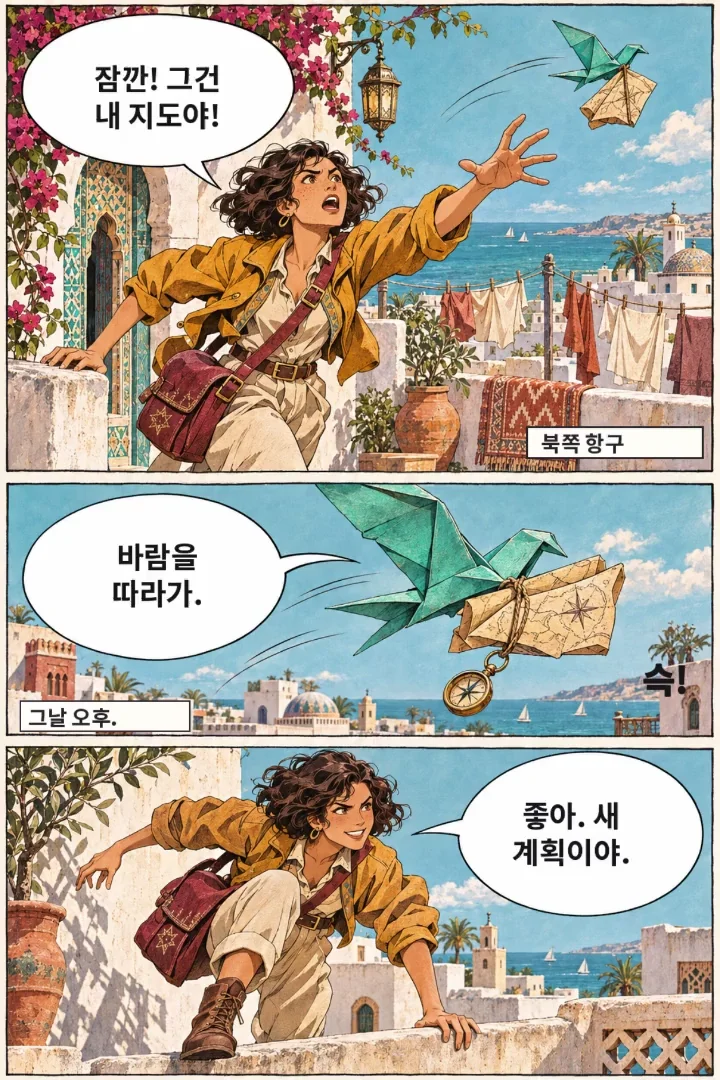
Start with manga you are allowed to read
Panelglot does not provide a manga catalogue or copyrighted chapter downloads. You open a file already on your Android phone or content from a source you chose, then use translation inside the reader. This keeps the translation workflow attached to content you already have permission to access.
A chapter that is available only online must still be loaded or downloaded through its source. A language model does not make the underlying manga available offline.
Recognize Japanese lettering on the page
Japanese manga may mix kanji, hiragana, katakana, punctuation, furigana and sound effects. Dialogue can run vertically or horizontally, and decorative lettering may cross the bubble or artwork. Panelglot analyzes the page and performs text recognition on the Android device before translation begins.
Recognition quality sets the limit for the next step. If a character is missed or two lines are grouped incorrectly, an English translation can sound wrong even when the translation model behaves as expected. The reader therefore keeps the original page available for comparison.
Translate the dialogue with nearby context
For online translation, the app sends recognized text and language information through Panelglot's service rather than sending the manga page image. Nearby lines, earlier translations and glossary terms can give the translator more context than an isolated screenshot, which helps with recurring names and connected dialogue.
Online translation requires a signed-in account and available allowance. The wording can still need review: Japanese subjects are often implied, names have several possible romanizations and speech style may carry information that has no exact English equivalent.
Fit English back into the speech bubbles
English often takes a different amount of space from Japanese. After translation, Panelglot cleans the detected lettering area and lays out the English result to fit the available shape. A short printed line in a clear balloon is easier than long dialogue, handwritten text or words drawn directly over detailed artwork.
The goal is to keep the translated dialogue with the panel instead of showing a detached list of sentences. The prepared comparison on the Panelglot product page demonstrates this placement goal without claiming that every page has identical accuracy or speed.
Keep the manga reading order
Japanese manga commonly reads from right to left. Translating the dialogue into English must not mirror the artwork or force the chapter into a left-to-right panel sequence. Panelglot treats content reading mode separately from the language and direction of the interface.
The actual edition remains the authority. Some localized or republished pages use a different order, so choose the reader mode that matches the page in front of you rather than relying only on the word manga.
Prepare for offline reading
Speech-bubble detection and Japanese OCR run on the phone. An offline English translation also needs a supported language pair and a translation model downloaded before the connection disappears. Open a representative page while connected and keep the chapter itself on the device before relying on the offline fallback.
Online and offline translation use different paths and may produce different wording. Check names, pronouns and recurring terms across several panels, and use the original page whenever the English line appears uncertain.