 PANELGLOT
How manga translation works
Panelglot turns a page you already have into a readable translated page: find the lettering, recognize it, translate the text, clean the old lettering and fit the result back into place.
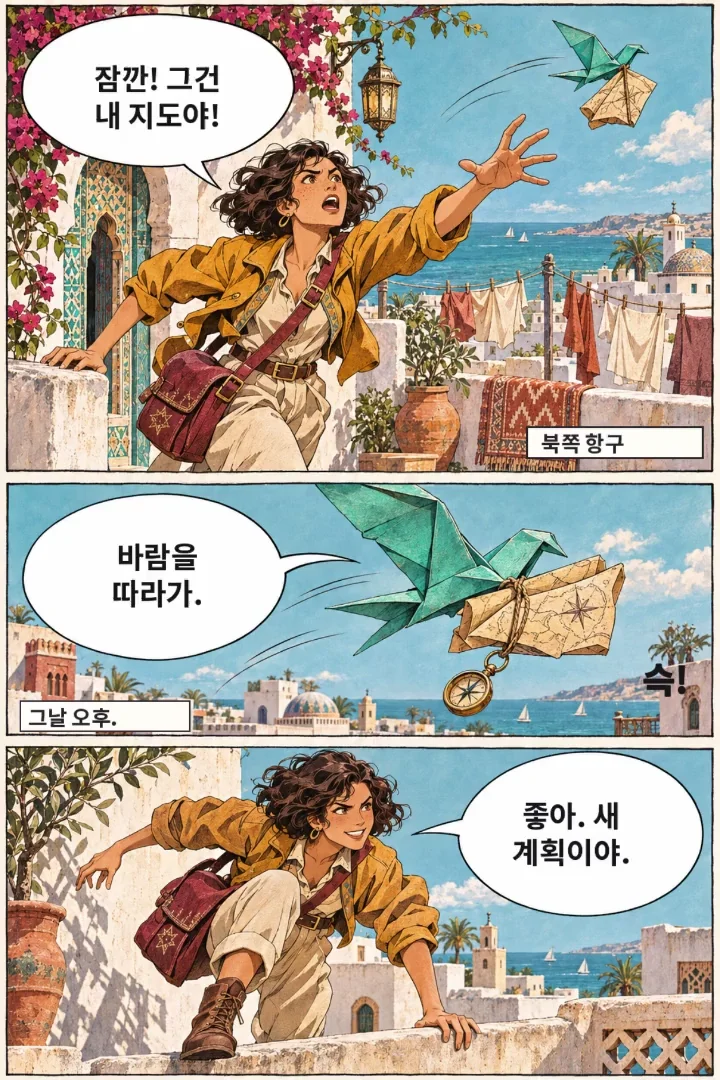
1. Open content you control
Panelglot is a reader, not a comic catalogue. You open files already on your phone or content from sources you add. The app does not host manga, manhwa or manhua and the website does not provide comic downloads.
Keeping the reader and translator together matters because the app knows the current page, reading mode and target language. It can translate the page you are reading first instead of treating every image as an unrelated screenshot.
2. Detect lettering and speech bubbles
The app analyzes the page on the phone to locate speech bubbles, captions and other readable lettering. Text recognition also runs on the phone. Detection is not the same as translation: this stage decides where the words are and how the translated result can return to the same area.
Comic pages are difficult because text may be vertical, curved, handwritten, printed over artwork or surrounded by screentone. A missed or incorrectly grouped line can affect the translation, so Panelglot keeps the original page available rather than pretending every result is perfect.
3. Translate text with context
For online translation, Panelglot sends recognized text, language information and a short page fingerprint through its translation service. A prompt may include nearby recognized text, earlier translations and glossary terms so that names and dialogue are less isolated. Public online sources may include a series title when supplied; local imports and a personal Komga library omit the title and source or cover URLs.
The current Android build does not send page images to the translation Worker or AI providers. Online translation requires sign-in and is subject to the account's available allowance. Compatible shared sources can reuse an existing translation, while private local content stays separate.
4. Clean and re-letter the page
After translation, the renderer removes the original lettering inside the detected area and lays out the translated text to fit. The aim is to preserve the panel art and bubble position while changing only the words. Long translations, unusual bubble shapes and lettering drawn directly on complex artwork remain harder than a clean printed balloon.
The result stays inside the reader, so you can continue in the intended reading direction instead of exporting each page through a separate image tool.
What the demonstration proves
The website comparison is a prepared example of the original-to-translated layout. It demonstrates the interaction and the placement goal; it is not a benchmark and does not promise that every page finishes in the same time or with the same accuracy.
For a trustworthy evaluation, use pages you are allowed to read, compare names and meaning with the original, and keep the source page available when a line looks uncertain.